iPhone · Safari
Open the site in Safari, tap Share, then choose “Add to Home Screen”.
Control the flow of your finances
Managing a household budget is much like managing a company’s finances: you track where the money goes, analyse expenses and look for more effective ways to use the surplus. Consistent control helps you save, avoid unwanted spending and invest your savings with greater confidence.
Free demo: 5 sessions of 30 minutes each, maximum 10 messages per category. 5 minutes before the demo session ends, the app will warn you with an alert message. At the end of each session all entered data is automatically deleted.
A simple app for the family budget: you write your expenses like messages and the app does the maths for you.
Open it in the browser or straight from your home screen, then manage the budget with simple gestures. The summary, expenses, analysis and archive are designed for touch and comfortable one-handed use.
● Adaptive Mobile UI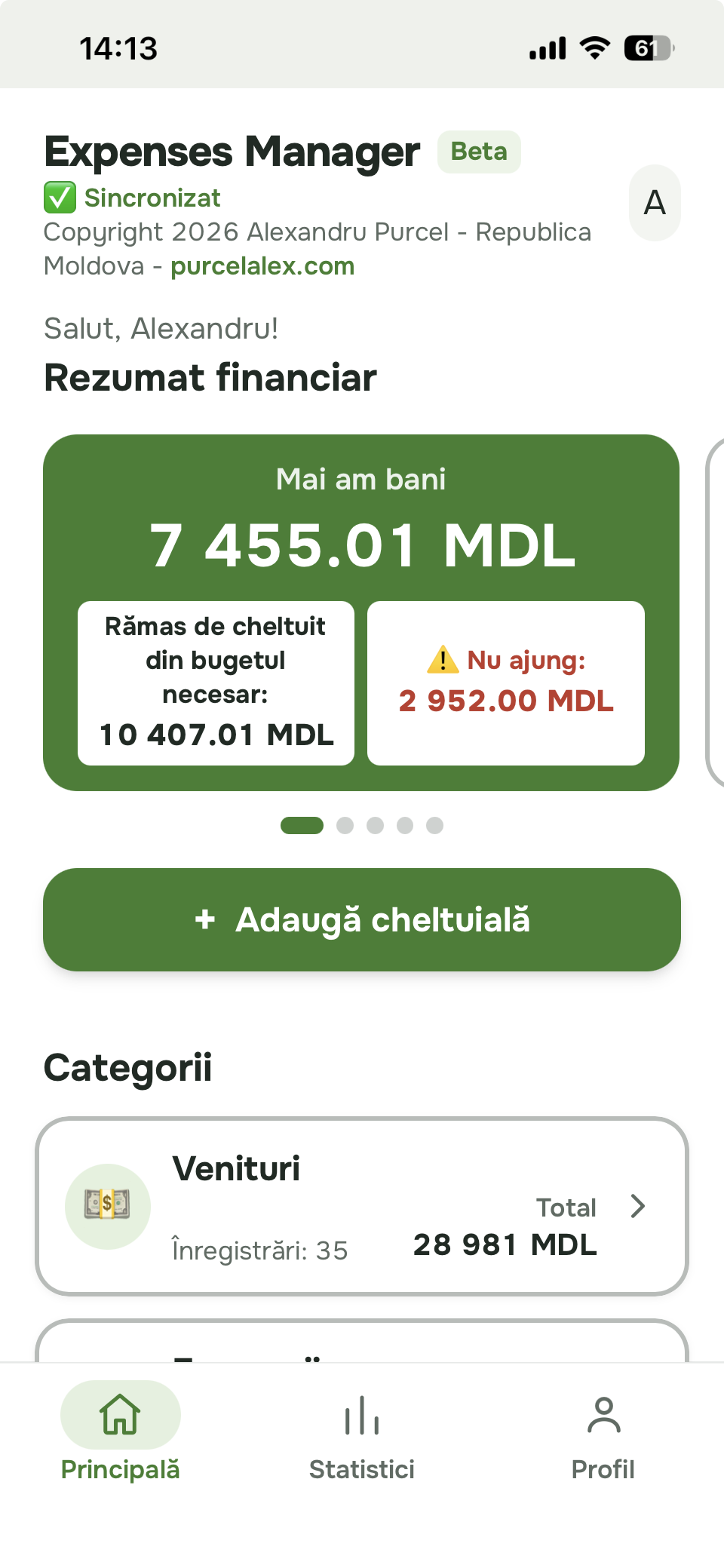
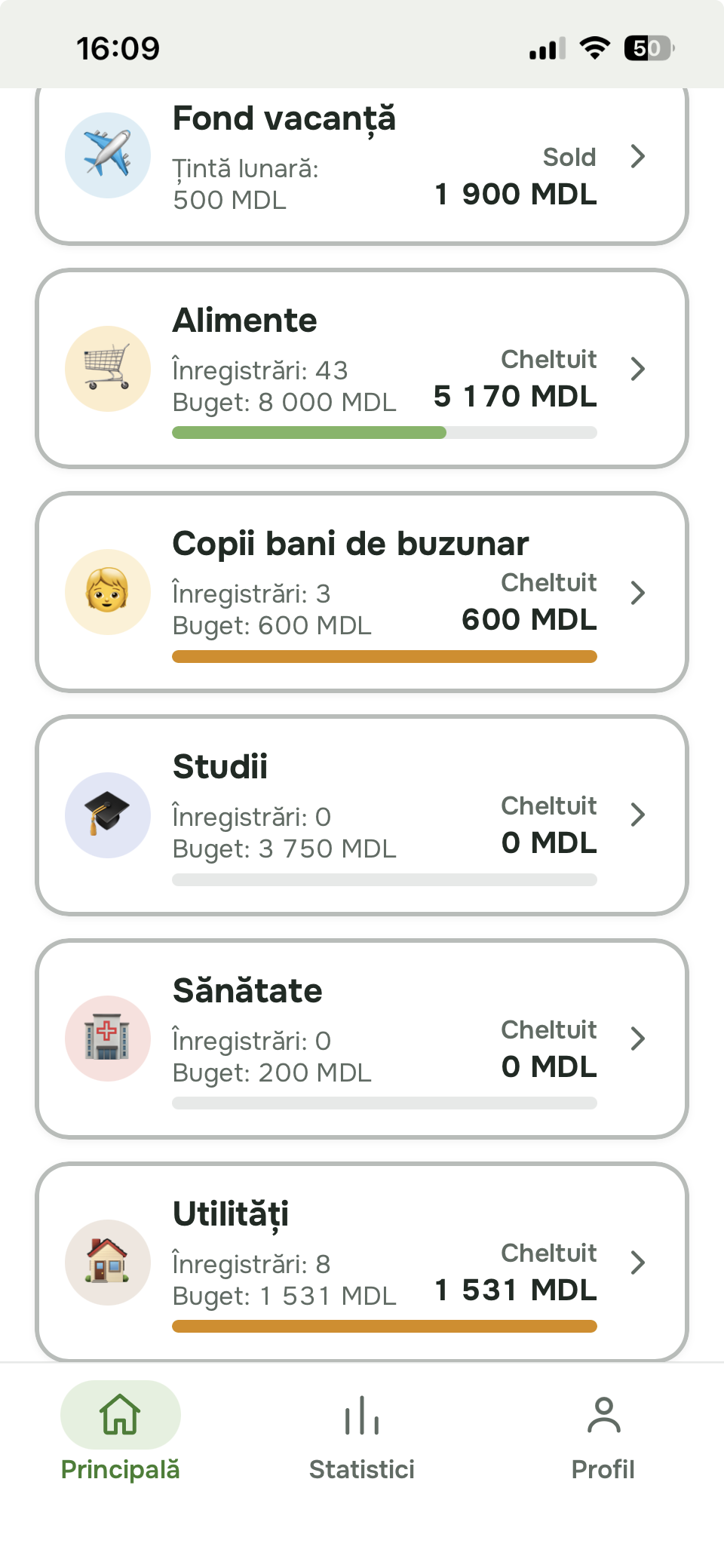
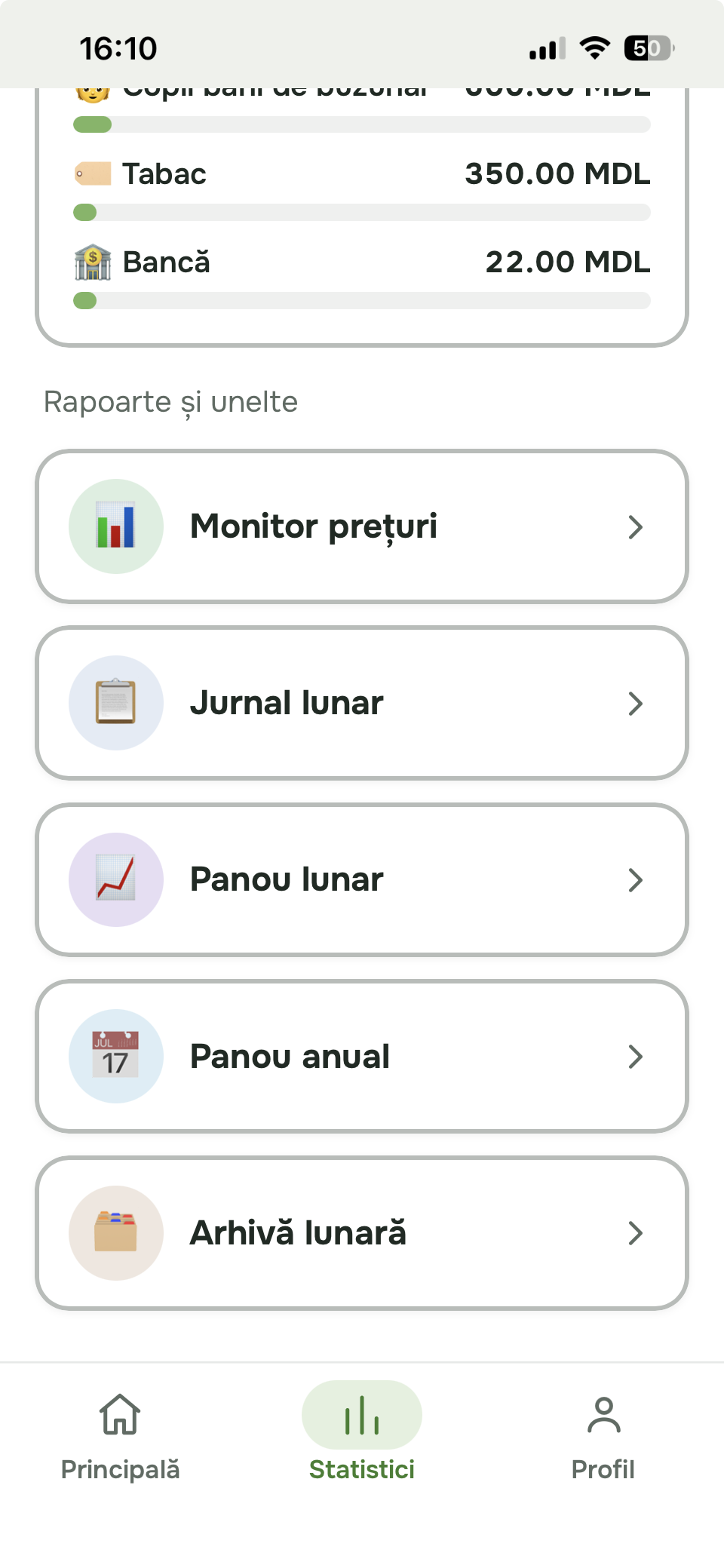
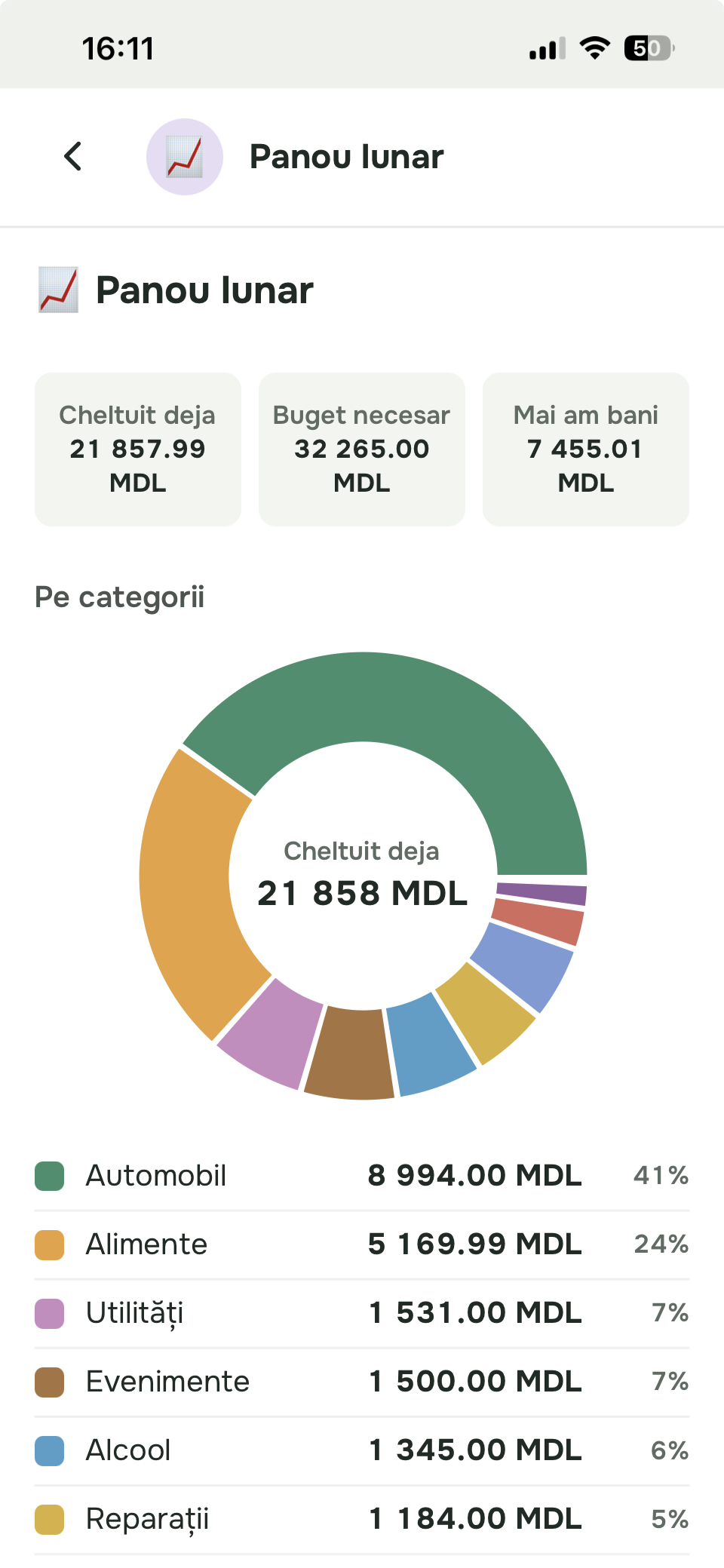
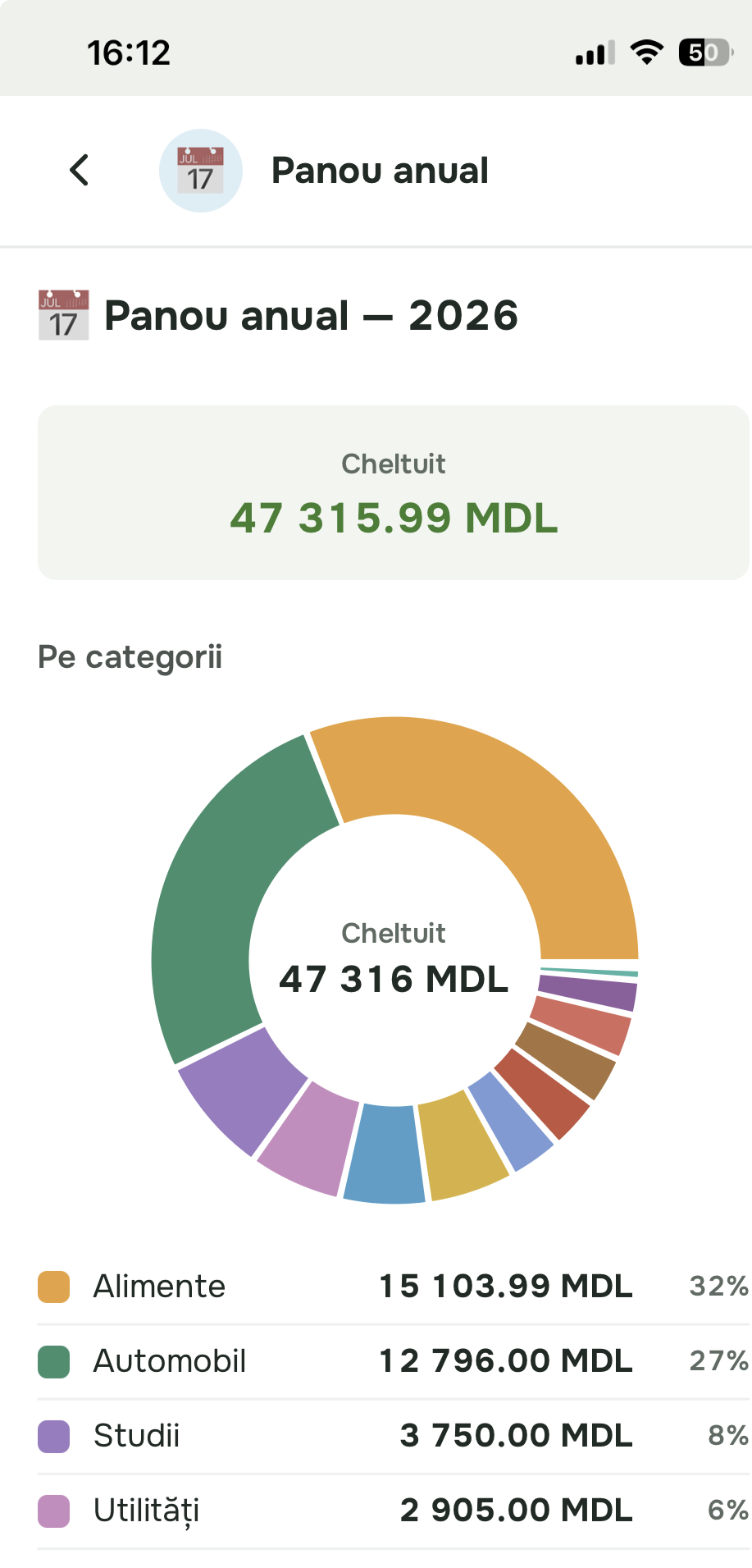
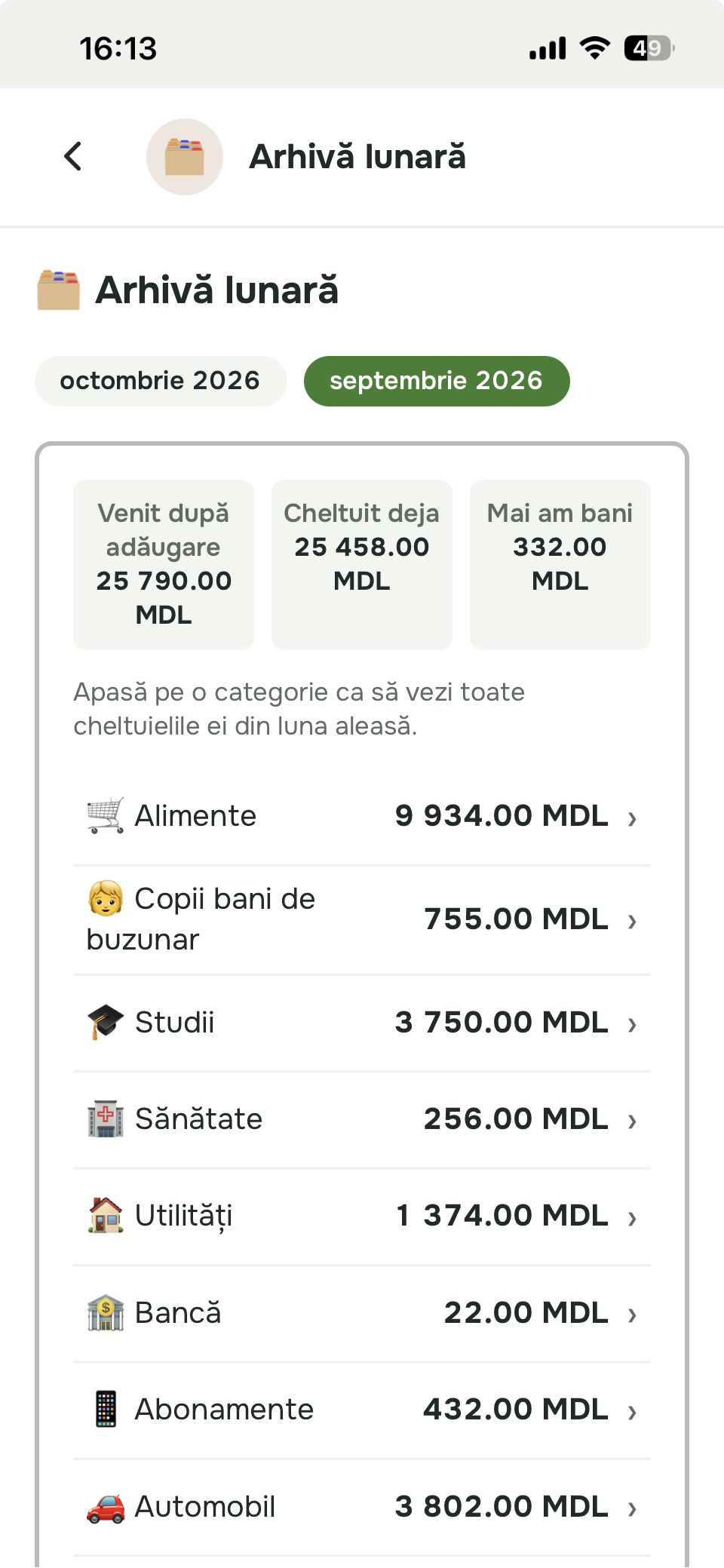
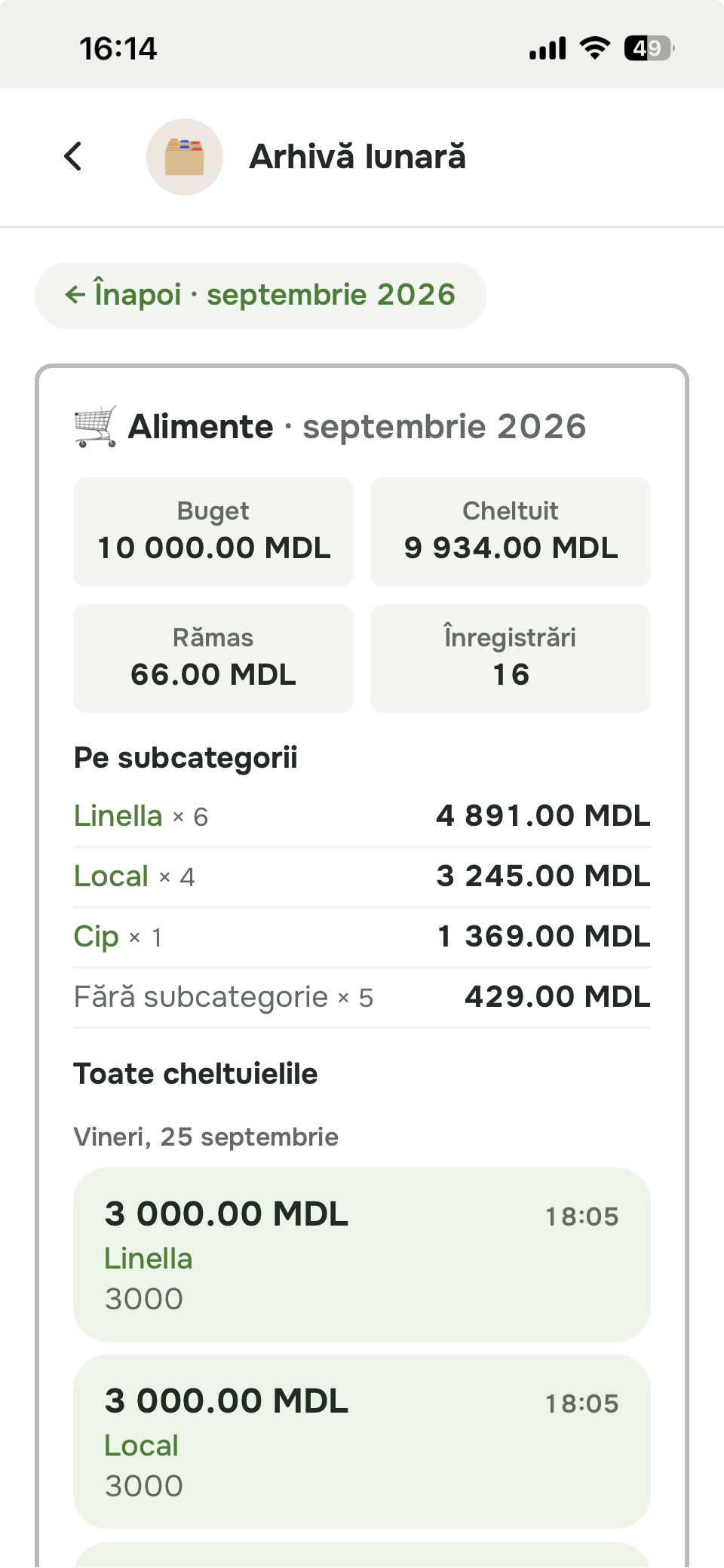
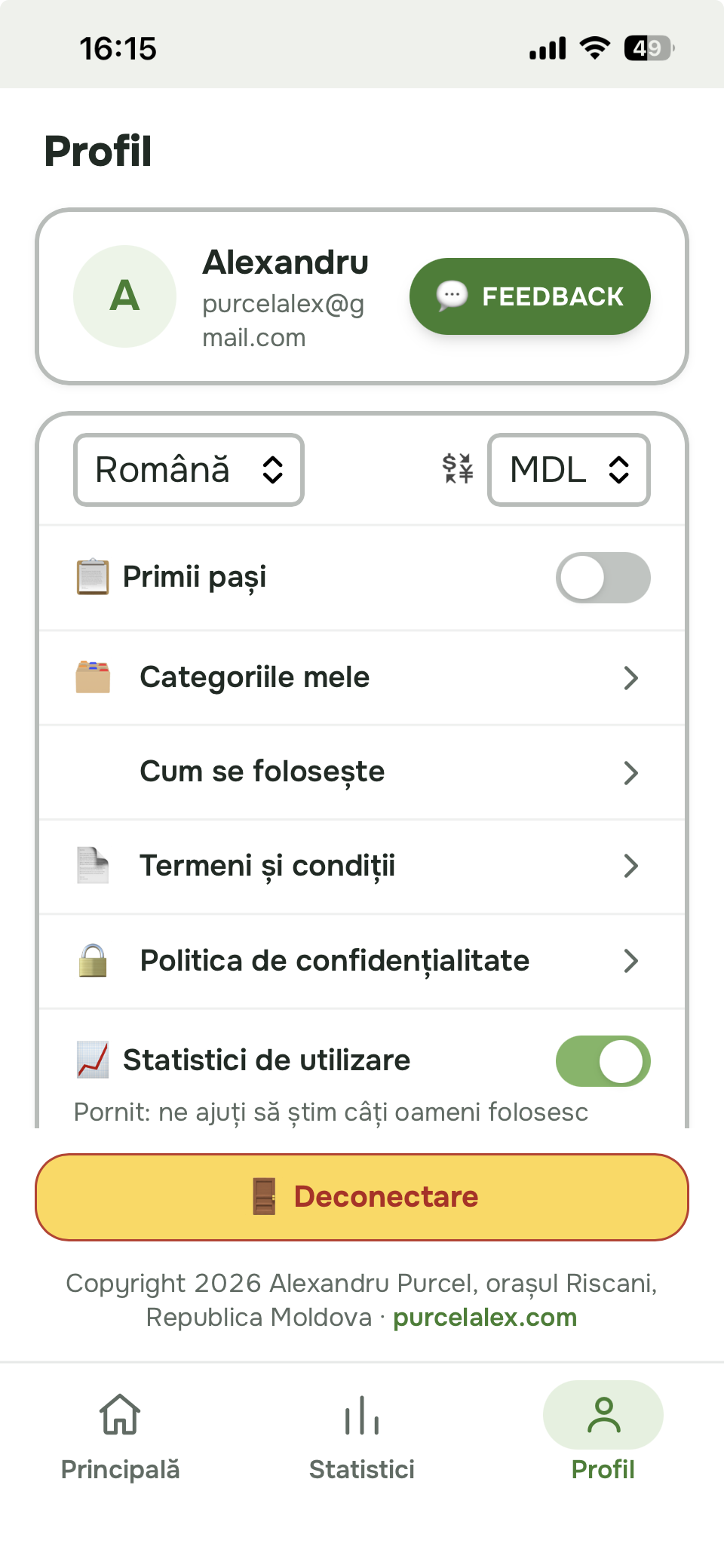
Open the site in Safari, tap Share, then choose “Add to Home Screen”.
Open the browser menu and choose “Add to Home screen” or “Install app”.
Once installed, launch Expenses Manager from its icon on your phone.
Every feature gives you a practical advantage: see clearly where the money goes, avoid unwanted spending, save more easily and make better decisions for your household budget.
The monthly summary brings balance, income, budgets and expenses together. An early warning shows when planned budgets exceed the available money.
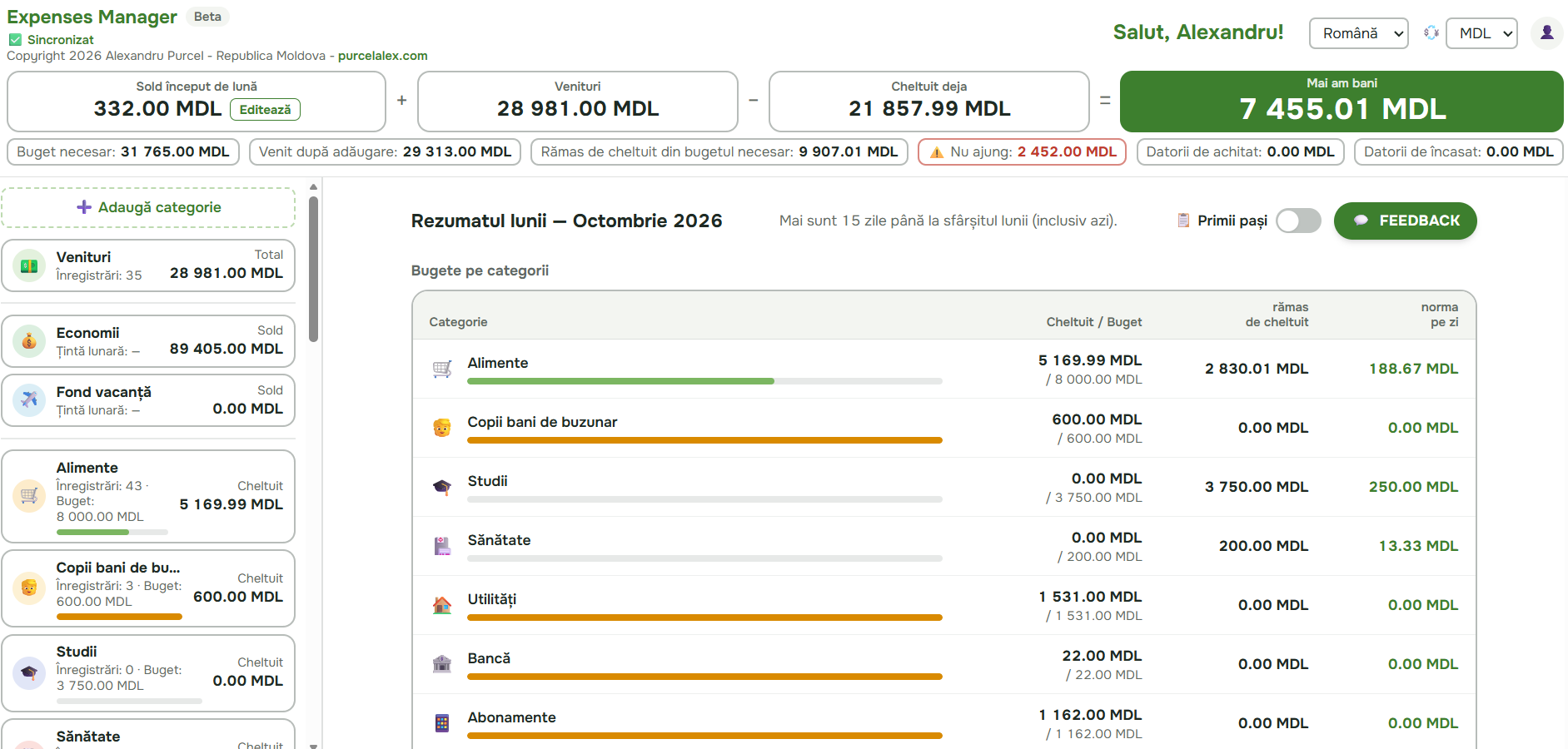
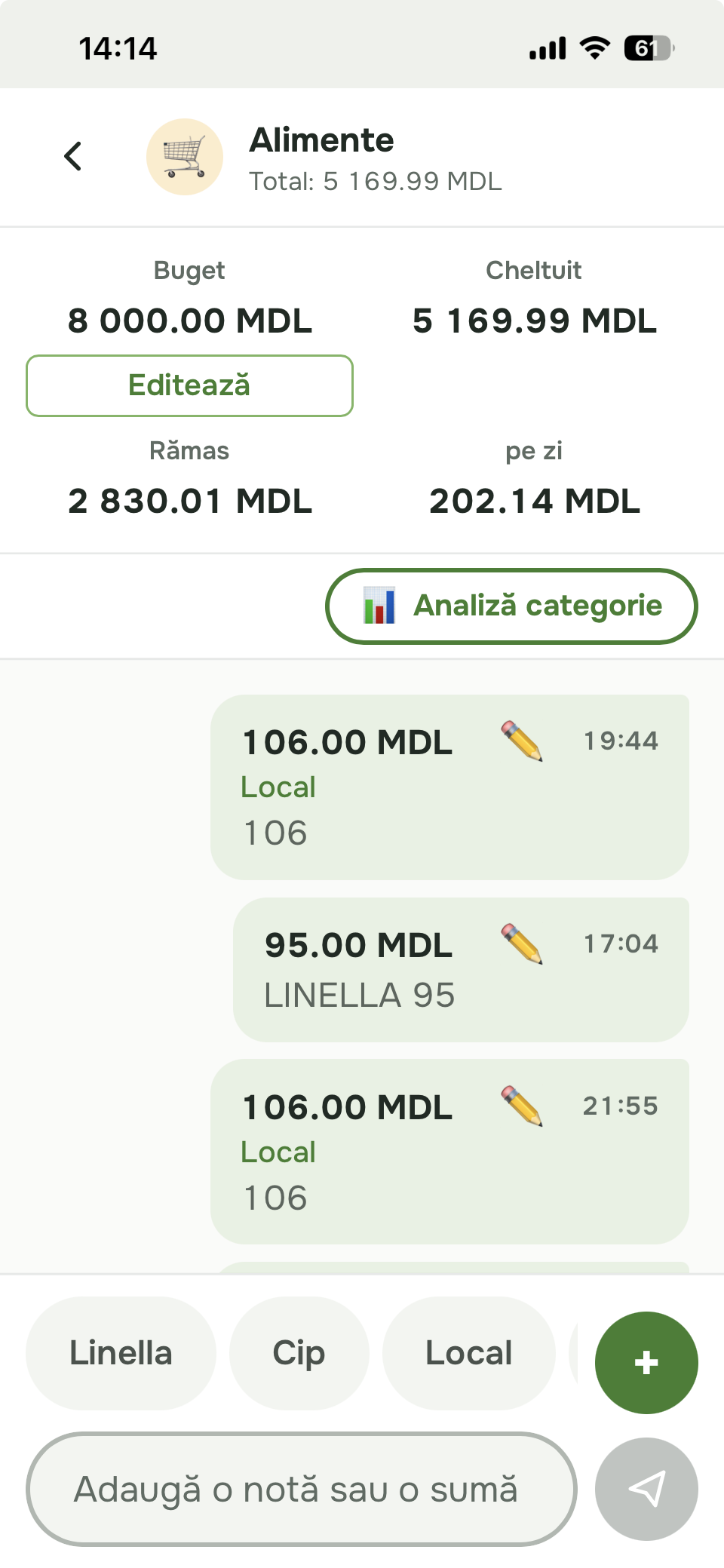
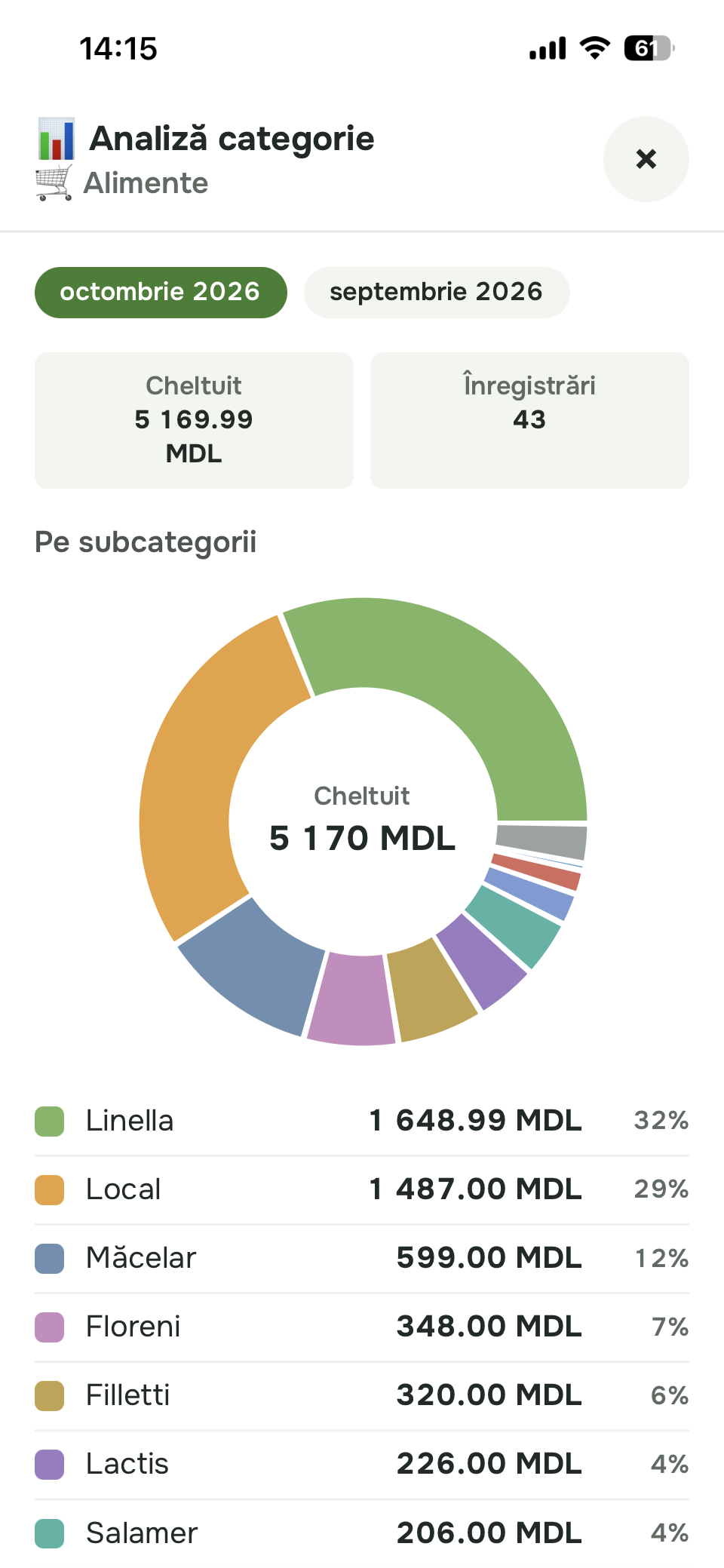
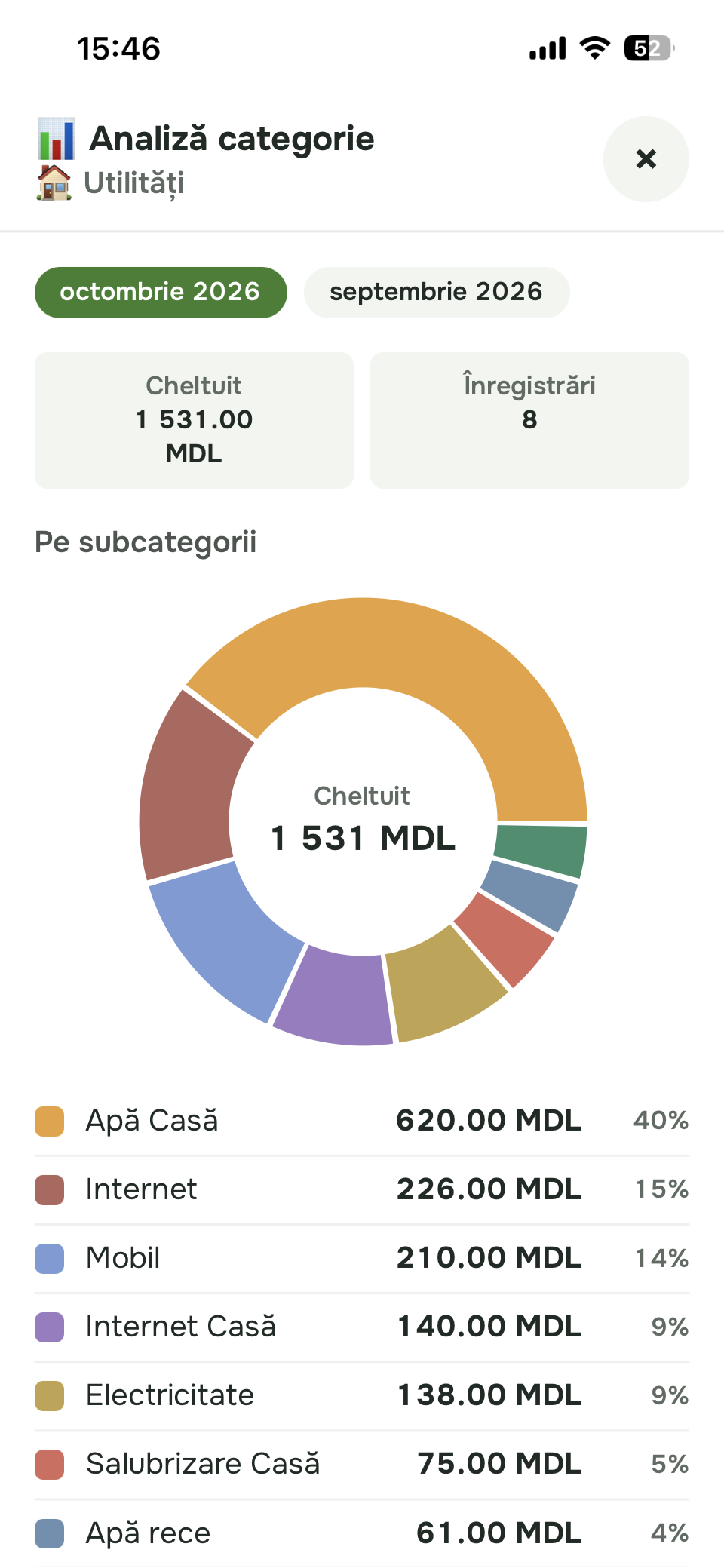
Expenses go in like messages, while subcategory analysis shows exactly where the money went — from supermarket to local market.
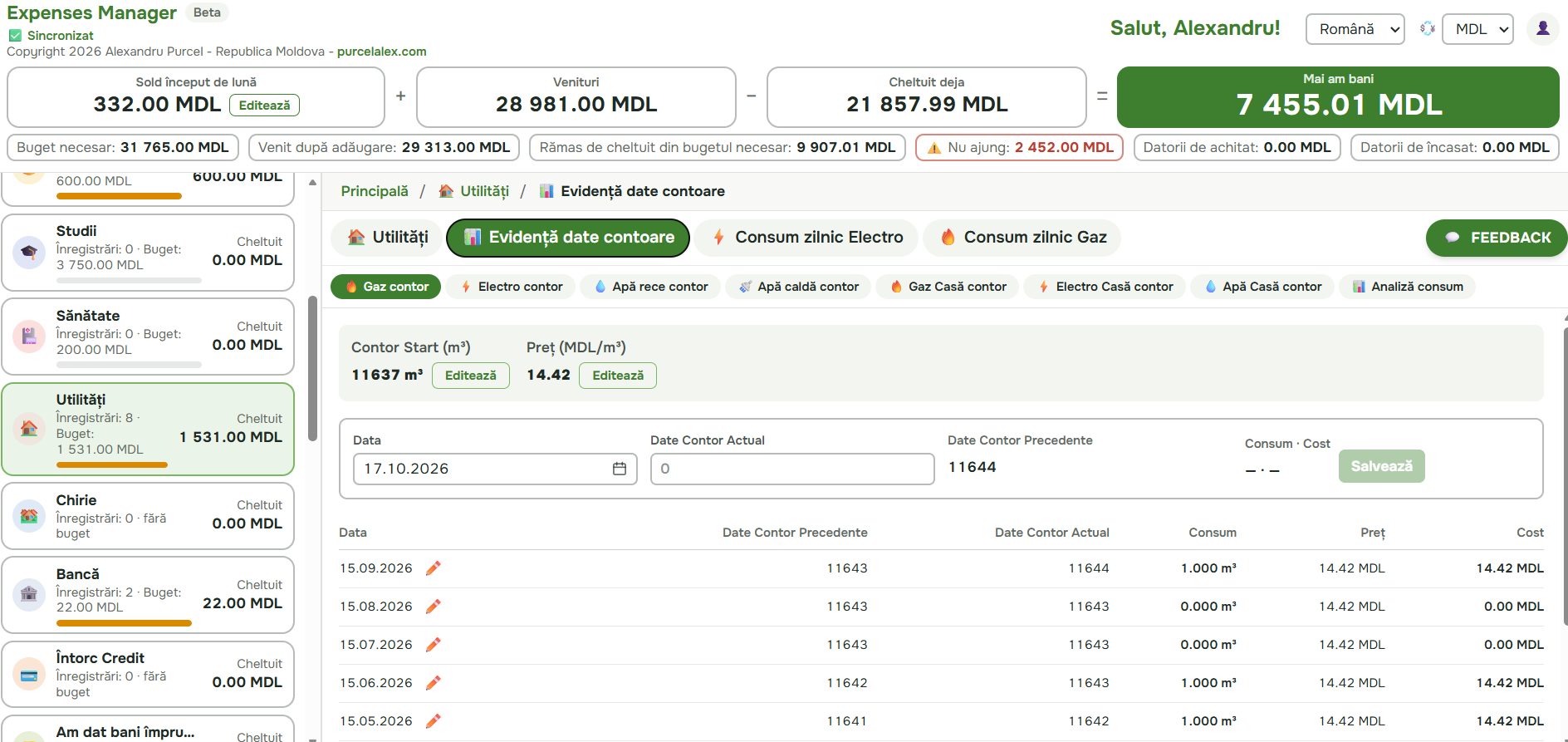
Keep readings, tariffs and history for gas, water and electricity. The app calculates usage and cost between two readings.
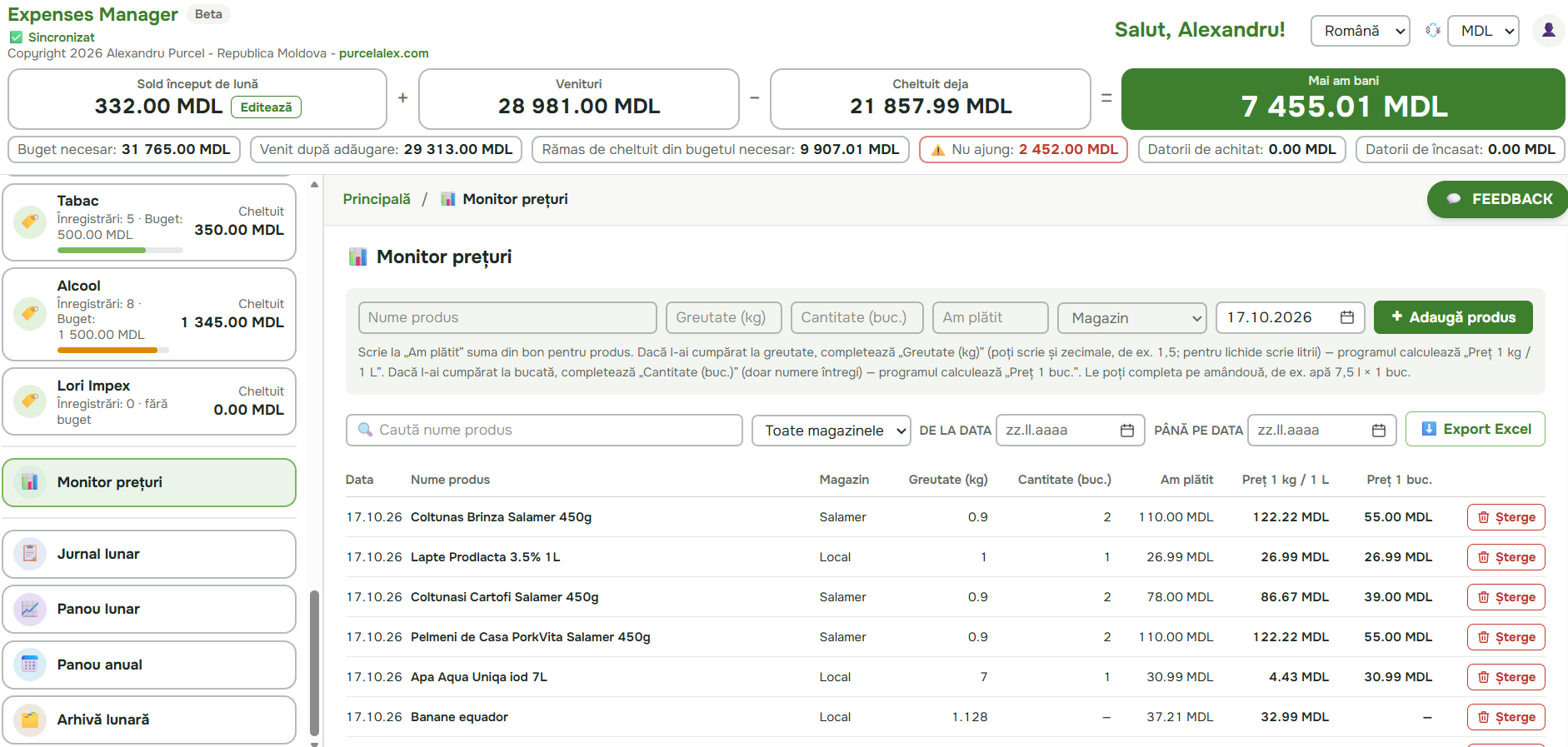
The price monitor normalises costs per kilogram, litre or item and remembers the shop and date, so you can quickly see where a purchase makes sense.
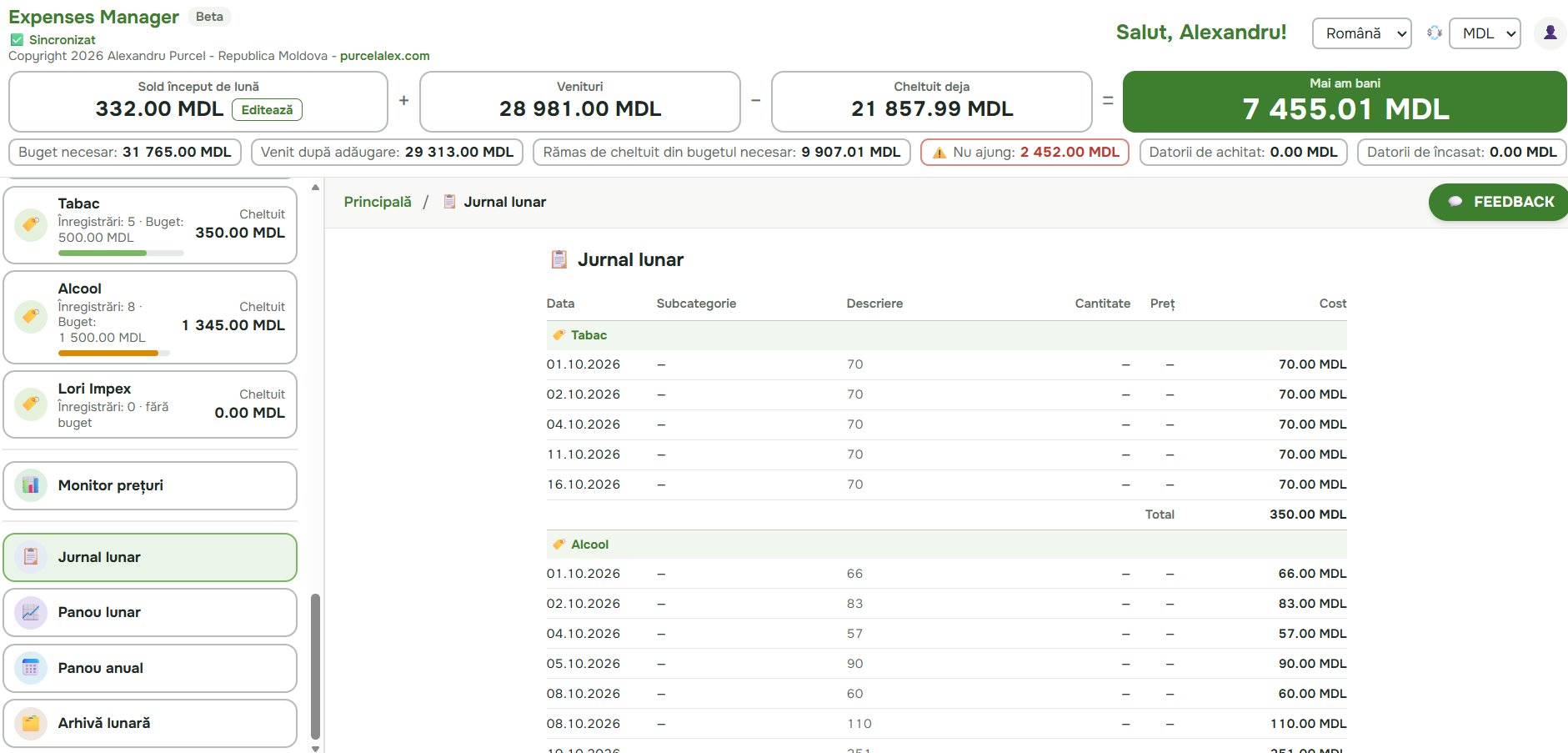
The journal, monthly dashboard and archive preserve each period and make changes easy to notice.
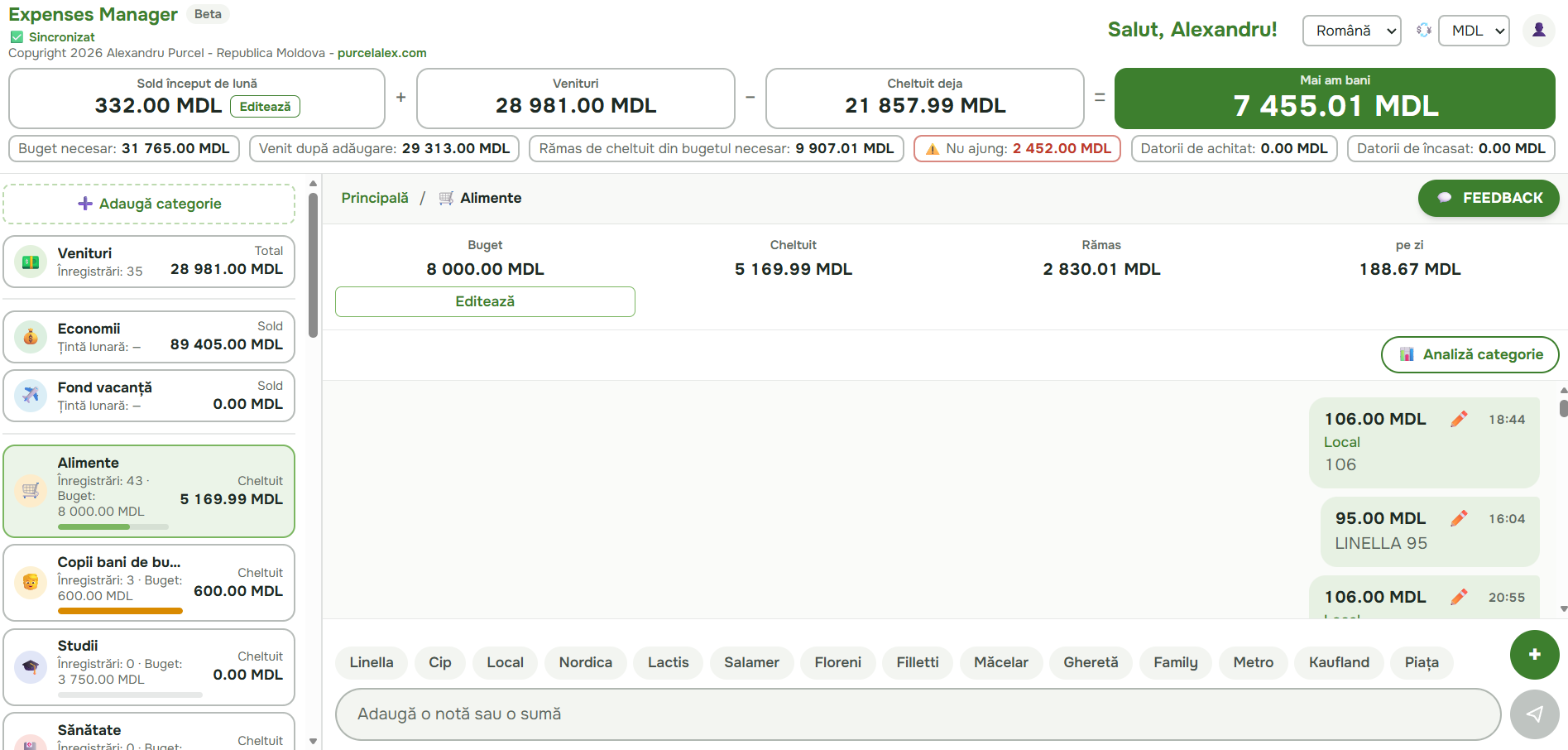
Pick the category and subcategory, type the amount or "2x50 bread" and press Send. The app tells you straight away how much is left in the category and how much you can spend per day.
The month chart shows every category with its amount and share. Open a category to see it split by subcategory: how much went to Linella, to the market and to the shop on the corner.
Search for the same product across different shops and compare the price per litre directly. For a 1 L bottle of Prodlacta 3.5% milk, the reference shows 26.99 MDL at Local and 28.99 MDL at Linella. Filters and Excel export keep the comparison easy to verify.
It is more than an expense log. Every feature answers a practical question about your household money.
Opening balance, income and expenses connect in one easy-to-follow formula.
The vacation fund shows how much you saved, your monthly target and the destination.
Meter readings reveal usage, cost and trends for gas, water and electricity.
“Repay credit” and “Money I lent” keep amounts, due dates and history separate.
Protected access, data separated per account, plus complete export and deletion controls.
The app keeps data locally and synchronises it when the connection returns.
The account is free during the beta. You can look at the demo first, without an account.
Plans
During the testing period (beta) every plan is free. We will let you know well in advance before subscriptions start. Your data stays yours on every plan.
The everyday budget
0.00 MDL/ month
Yearly: 0.00 MDL · 12 months for the price of 10
Free during betaFor seeing the whole year
0.00 MDL/ month
Yearly: 0.00 MDL · 12 months for the price of 10
Free during betaEverything in Free, plus:
Every tool
0.00 MDL/ month
Yearly: 0.00 MDL · 12 months for the price of 10
Free during betaEverything in Plus, plus:
Expenses Manager is an app for tracking personal expenses and the family budget. It works on your phone and computer, in Romanian, English and Russian, and it is free during the beta.
Write each expense like a message, for example "245 Linella" or "2x50 bread", in the right category. The app adds everything up and shows what you spent, what is left of the budget and how much you can spend per day until the end of the month.
Enter your start-of-month balance and your income, then set a budget for each category: groceries, utilities, transport, children and more. You see the required budget, the money left and what falls short at once.
Yes. During the testing period (beta) every feature is free. Later there will be a permanent Free plan plus Plus and Pro plans with extra features.
Yes. Expenses Manager opens in the browser on any phone or computer and can be added to your phone home screen, no app store needed. Your data syncs between devices.
Yes. The app is made in the Republic of Moldova and works anywhere. You can keep your budget in Moldovan lei (MDL), Romanian lei (RON), euro (EUR), US dollars (USD) or pounds (GBP).
Income, savings and a vacation fund, loans and money lent, water, gas and electricity meters, shop prices (Price monitor), analysis by category and subcategory, monthly and yearly dashboards, and the monthly archive.
Yes. The app complies with Moldova's Law No. 195/2024 and the GDPR. Data is stored in Google Firebase's cloud in the European Union and each user sees only their own data. You can download or delete all your data at any time.